Hello everyone, Alex here from AI Tools Smart Hub.
Let’s be real for a second: Midjourney is amazing. It’s the industry standard for a reason. But dropping a minimum of $96 to $120 a year just to generate a few cool images? That’s a tough pill to swallow, especially if you’re just starting out or only need images occasionally.
Here is the good news: It is 2026. The gap between “paid” and “free” AI tools has practically vanished.
I have spent the last week testing the latest updates from every major AI lab in San Francisco and beyond. I can confidently tell you that you no longer need to pay to get stunning, professional-quality AI art. Whether you need a logo, a blog header, or just a weird picture of a cat in a spacesuit, there is a free tool that can do it.
Here are the 7 best free AI image generators available right now.
Quick Summary: The Top 3 at a Glance
| Tool Name | Best For | Free Tier Details |
| Microsoft Designer | Beginners & DALL-E 3 Fans | 15 fast boosts/day |
| Leonardo.ai | Control Freaks & Artists | 150 tokens/day (reset daily) |
| Ideogram | Text & Typography | ~20 images/day |
1. Microsoft Designer (Image Creator)
The best all-rounder for beginners who want DALL-E 3 quality.
Overview
If you want the power of OpenAI’s DALL-E 3 model without paying for ChatGPT Plus, this is your loophole. Microsoft Designer (formerly Bing Image Creator) is deeply integrated into the Microsoft ecosystem. It’s incredibly good at understanding simple conversational prompts, meaning you don’t need to be a “prompt engineer” to get a great result.
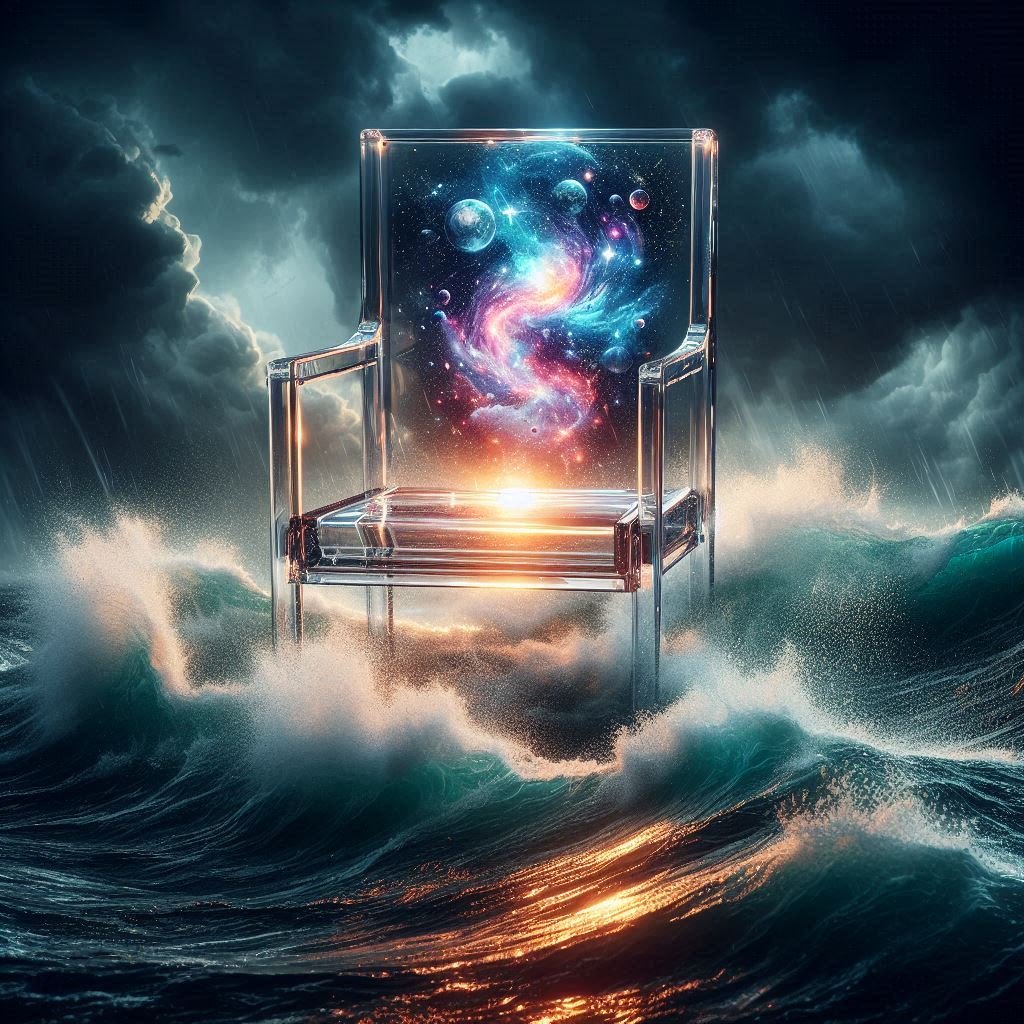
🖌️ Prompt: “A transparent glass chair floating in the middle of a stormy ocean. Inside the glass chair is a miniature glowing galaxy with swirling stars and nebulas. Cinematic lighting, hyper-realistic, 8k resolution.”
Key Features
- Powered by DALL-E 3: Excellent prompt adherence; it draws exactly what you ask for.
- Microsoft Account Integration: No new sign-ups needed if you have an Outlook or Hotmail account.
- Edit Features: You can now edit the image directly inside the Designer app (remove backgrounds, add text) after generating.
Pros & Cons
| Pros | Cons |
| incredible prompt accuracy. | Images are square (1:1) by default in the quick creator. |
| Totally free with daily boosts. | Strict censorship (blocks famous faces/brand names). |
Best For
Beginners and Bloggers who need a quick, accurate image for a post and don’t want to fiddle with settings.
2. Ideogram
The undisputed king of text and typography.
Overview
For the longest time, AI was terrible at spelling. Ideogram changed the game. If you need a t-shirt design, a logo, or a neon sign that actually spells “Welcome to 2026” correctly, this is the tool you use. It renders text beautifully within the artwork.
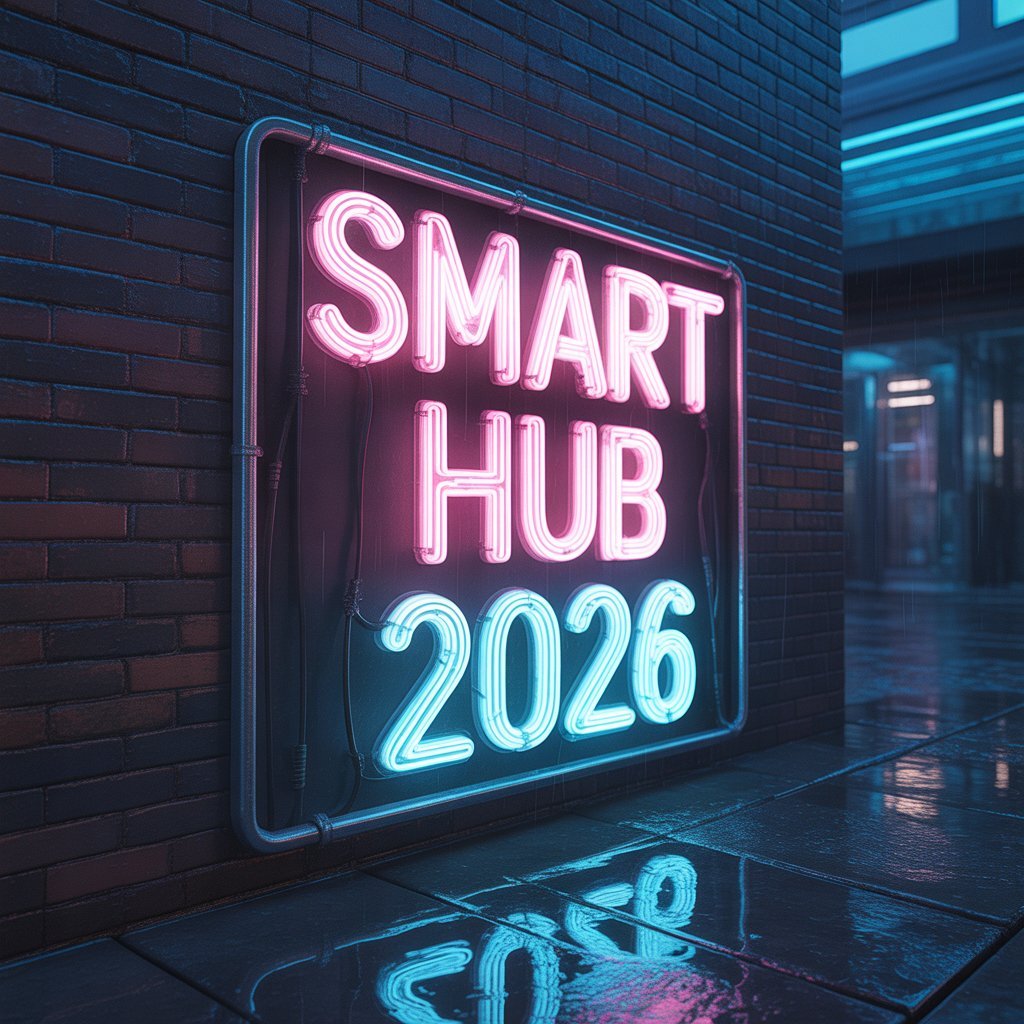
🖌️ Prompt : “A cinematic shot of a glowing neon sign mounted on a wet brick wall in a cyberpunk alleyway. The sign explicitly spells out ‘SMART HUB 2026’ in bright pink and blue neon tubes. Rain reflections, high detail.”
Key Features
- Typography Mastery: It rarely misspells words if you put them in “quotes” in your prompt.
- Magic Prompt: It automatically rewrites your simple prompt to make it more artistic and detailed.
- Social Feed: The homepage is a Pinterest-style feed of other people’s creations that you can “Remix.”
Pros & Cons
| Pros | Cons |
| Flawless text rendering. | Free tier creates public images (no privacy). |
| Great for logos and stickers. | Daily limits are tighter than others (~20 images). |
Best For
Print-on-demand creators, marketers, and anyone needing text inside their images.
3. Leonardo.ai
The best for artistic control and diverse models.
Overview
Leonardo feels less like a simple “generator” and more like a professional creative studio. It offers a massive suite of tools, letting you choose specific “fine-tuned models” (e.g., one specifically for 3D game assets, one for anime, one for photorealism). It is the closest free alternative to Midjourney in terms of artistic quality.
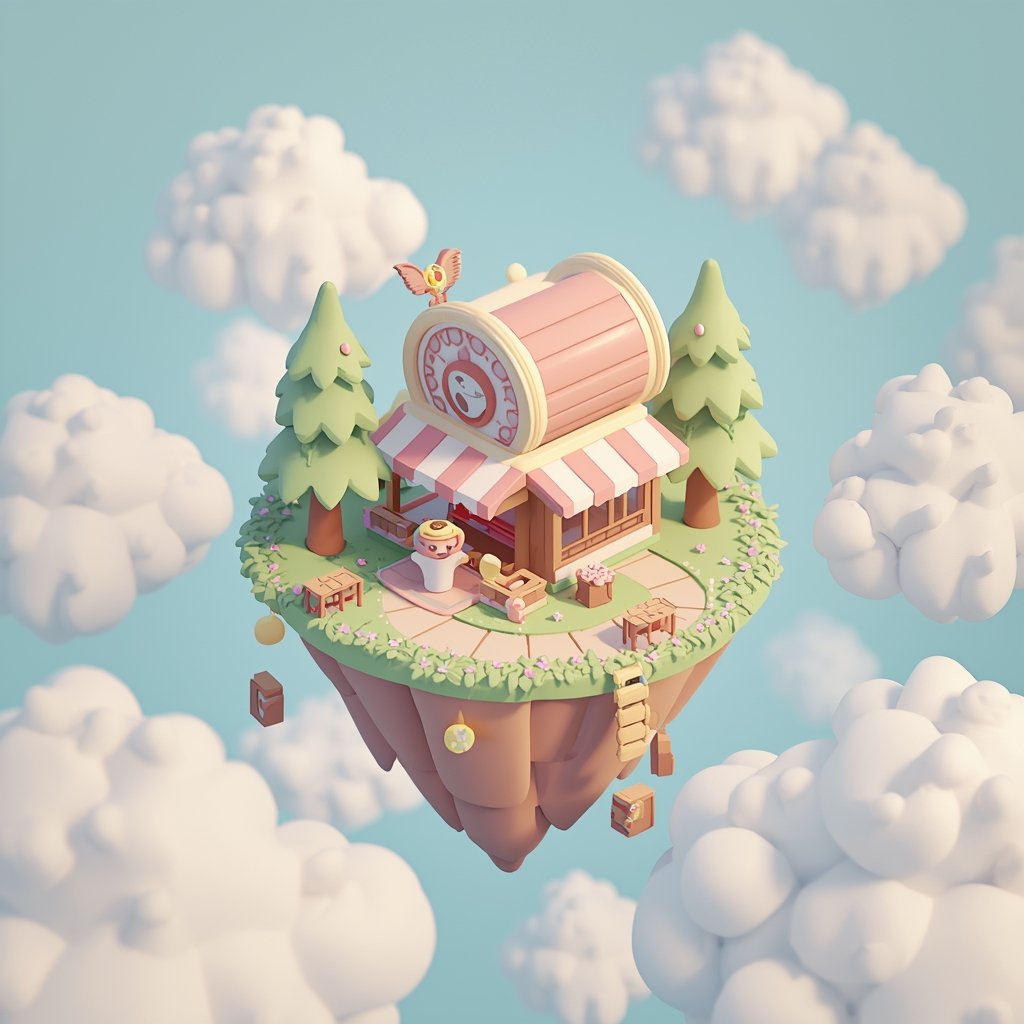
🖌️ Prompt : “Cute isometric 3D render of a magical floating coffee shop island in the sky. Soft pastel colors, fluffy clouds, fluffy trees, blender 3d style, clay texture, volumetric lighting, incredibly cute and detailed.”
Key Features
- Daily Token System: You get 150 tokens every single day. Since an image costs 1-2 tokens, that’s plenty for experimentation.
- Fine-Tuned Models: Access specific styles like “DreamShaper” or “PhotoReal.”
- Canvas Editor: Allows you to “outpaint” (expand an image beyond its borders) and edit specifically selected areas.
Pros & Cons
| Pros | Cons |
| Huge daily free allowance (resets daily). | Interface can be overwhelming for total beginners. |
| Professional features like upscale and unzoom. | High-res features cost more tokens. |
Best For
Designers, Game Developers, and Power Users who want specific aesthetic controls.
4. Adobe Firefly (Web App)
The safest choice for commercial use.
Overview
Adobe built Firefly specifically to be “commercially safe.” Unlike other AIs that scraped the entire internet, Firefly was trained on Adobe Stock images. This means the style is incredibly polished, photorealistic, and legally safer for businesses to use.
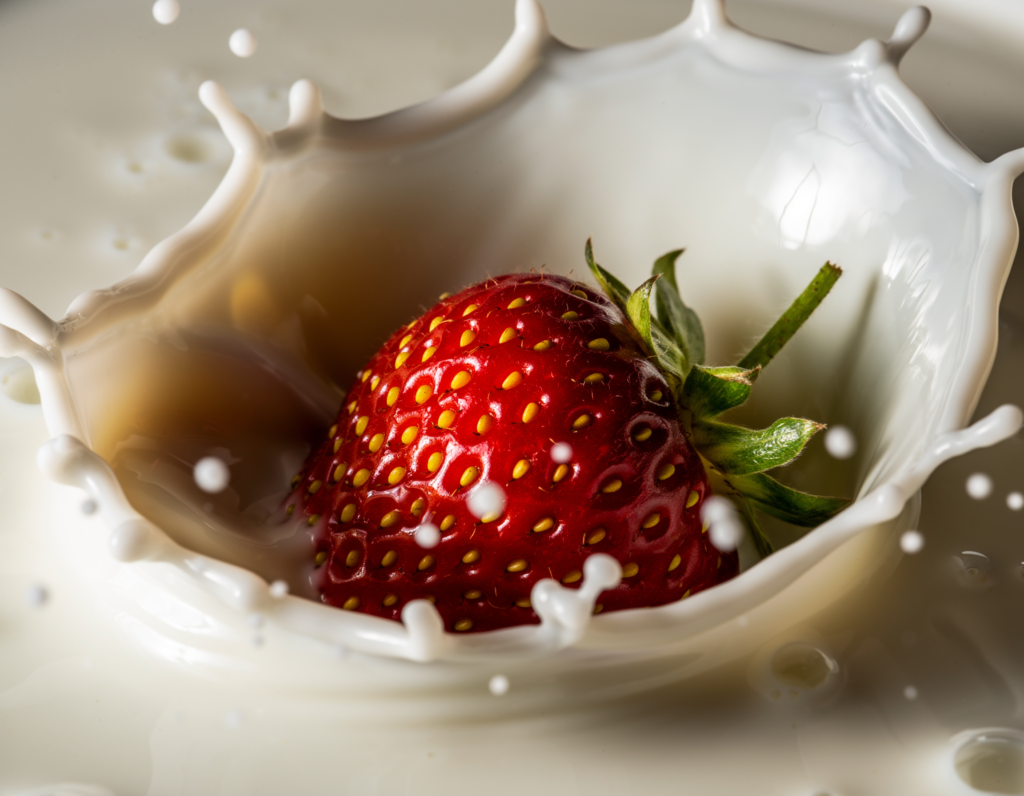
🖌️ Prompt : “Extreme close-up macro photography of a fresh strawberry splashing into milk. High speed photography, studio lighting, crisp details, water droplets, advertising quality, 85mm lens.”
Key Features
- Commercial Safety: Trained on licensed images, reducing copyright headaches.
- Generative Fill: The best in the business at adding or removing objects from an image with a brush.
- Text Effects: A unique tool that turns text into artwork (e.g., the letter “A” made of pizza).
Pros & Cons
| Pros | Cons |
| Extremely high photorealism. | Free tier is monthly credits (25), not daily. |
| Ethical model training. | Heavy watermarking on the free downloads. |
Best For
Corporate professionals and Stock Photo users who need safe, clean, realistic imagery.
5. Playground
The best workspace for iterating and refining.
Overview
Playground (formerly Playground AI) is designed for people who like to tinker. It allows you to mix and match different AI models (like Stable Diffusion XL and their own Playground v3). The interface allows you to generate images side-by-side to compare prompts easily.
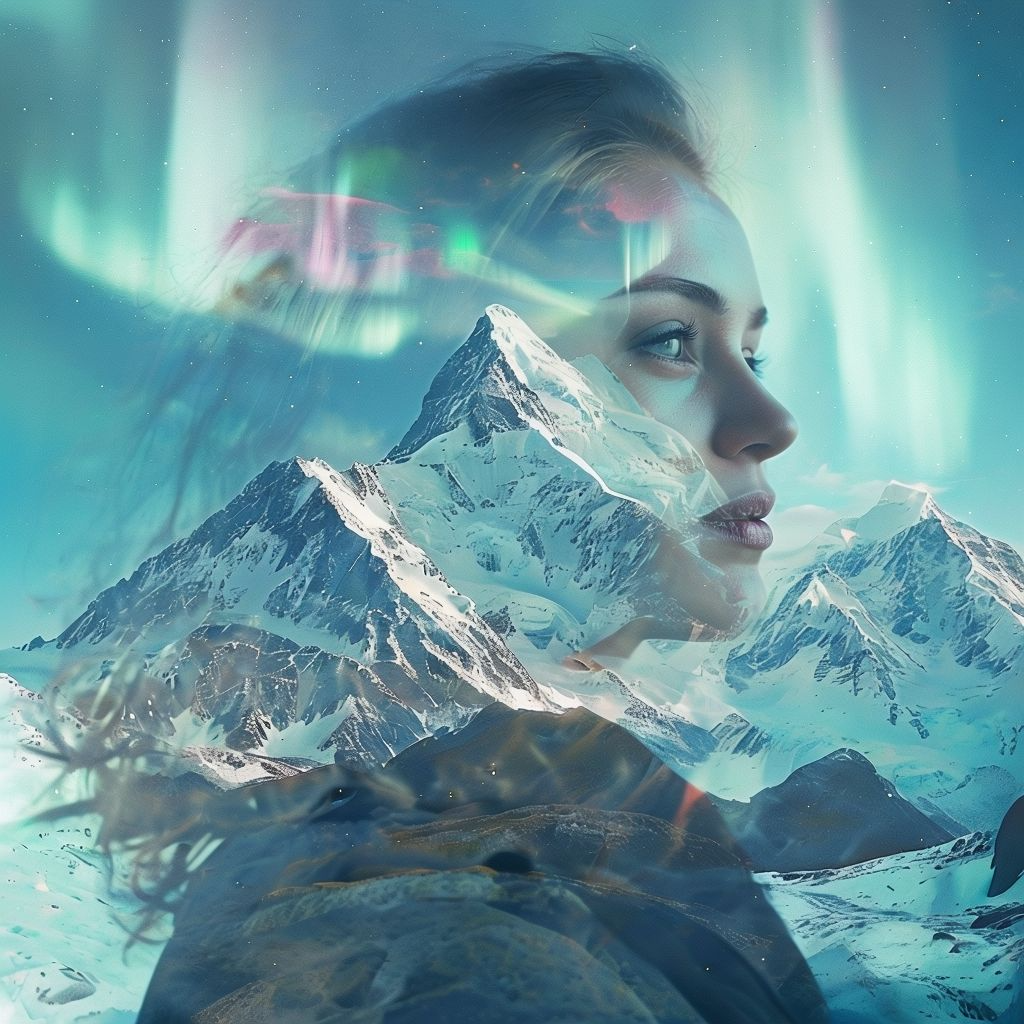
🖌️ Prompt : “A double exposure portrait combining a woman’s profile with a majestic snowy mountain landscape. Dreamy atmosphere, northern lights in the sky, ethereal aesthetic, trending on ArtStation”
Key Features
- Board View: A boundless canvas where you can move images around and organize ideas.
- Filter Styles: One-click presets to change the look (e.g., “Cinematic,” “Woolize,” “Ominous”).
- Mixed Model Access: Use various open-source models for free.
Pros & Cons
| Pros | Cons |
| Fast generation speed. | Daily limits have been reduced recently (approx 50/day). |
| Great “Board” interface for brainstorming. | “Pro” features are constantly pushed in the UI. |
Best For
Artists and Concept Designers who want to generate many variations quickly to find the perfect shot.
6. Recraft
The only tool you need for vectors and icons.
Overview
Most AI generators make JPEGs (pixels). Recraft is unique because it specializes in SVGs (vectors). This means you can generate an icon or illustration and scale it up to the size of a billboard without losing quality. It has a distinct, clean “corporate art” style that is very trendy in 2026.
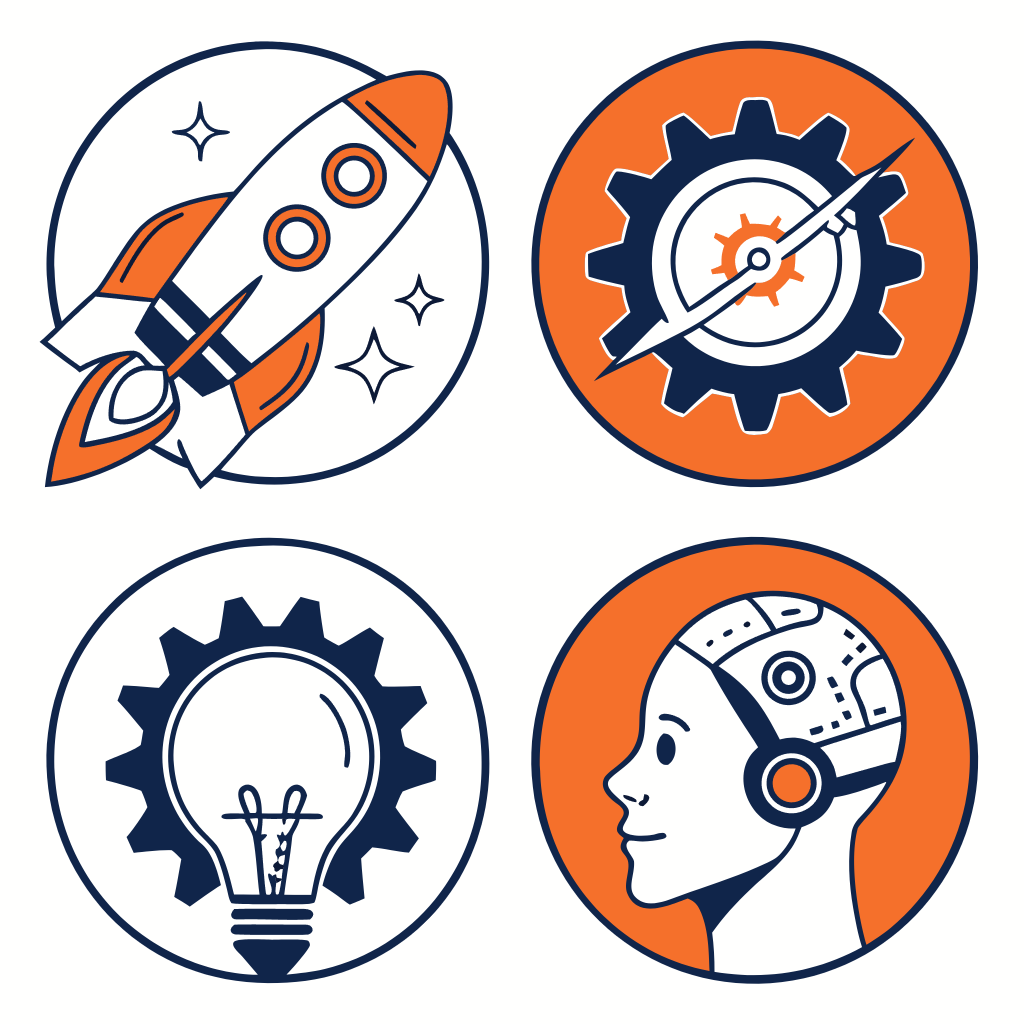
🖌️ Prompt : “A set of 4 flat vector icons specifically designed for a tech startup: a rocket ship, a lightbulb, a gear, and a robot head. Minimalist design, clean lines, orange and navy blue color palette, white background.”
- 💡 Alex’s Note: Even though you see a standard image here, Recraft actually creates SVG Vectors. This means unlike other AI tools, you can scale these icons to the size of a billboard and they will stay 100% sharp.
Key Features
- Vector Generation: download designs as SVG files (infinite scalability).
- Style Consistency: You can upload a brand style guide, and it will generate icons that match that exact color palette and line weight.
- Icon Sets: Generate a whole set of matching icons in one go.
Pros & Cons
| Pros | Cons |
| Truly editable vector files. | Not good for photorealistic images. |
| Perfect for web design and UI/UX. | Free tier images are public. |
Best For
Web Designers, UI/UX pros, and anyone making logos or icons.
7. Krea AI
The best for real-time creativity.
Overview
Krea went viral for its “Real-Time Generation” feature. As you draw a crude stick figure on the left side of the screen, the AI generates a high-quality painting on the right side instantly. It feels like magic.
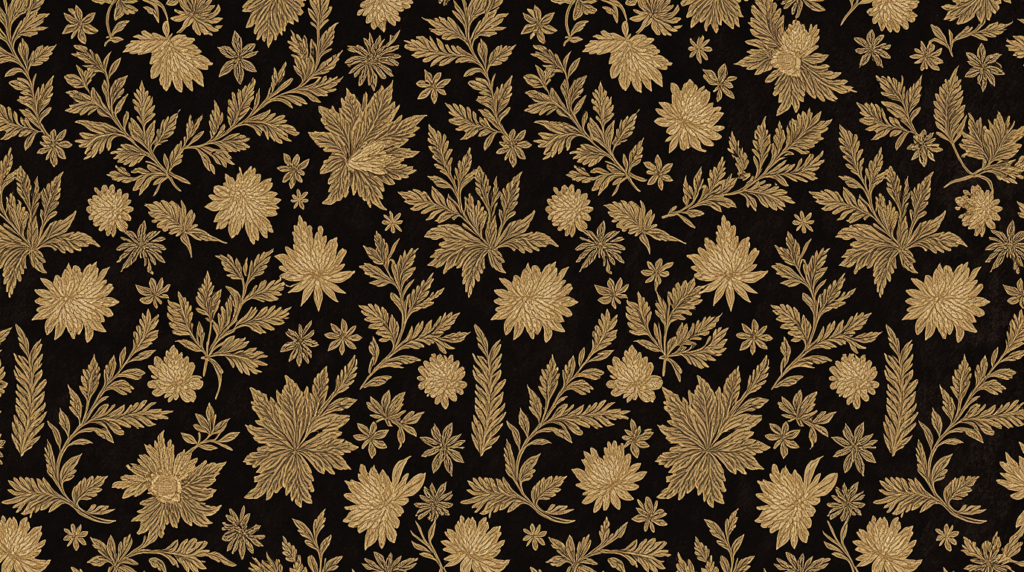
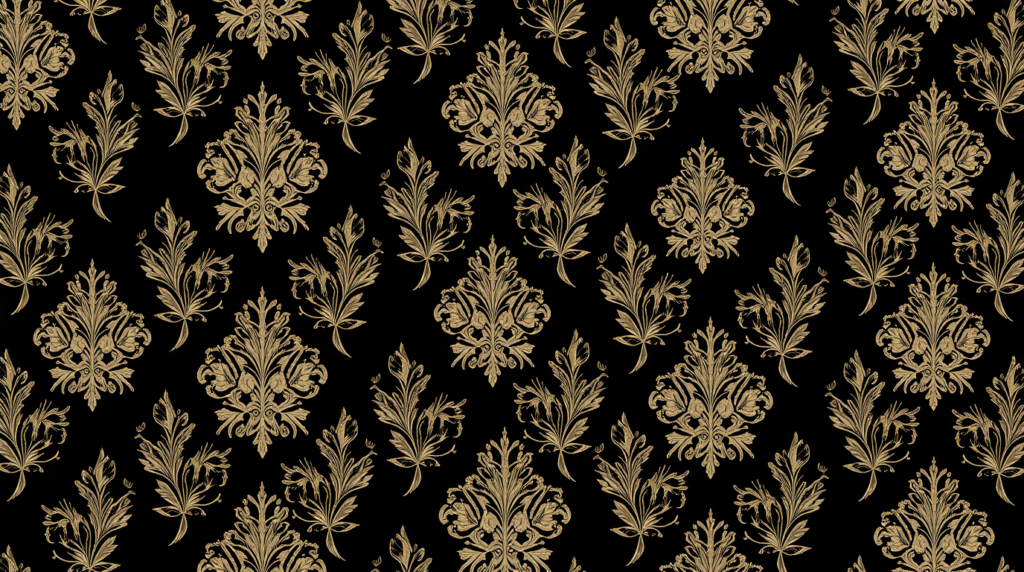
🖌️ Prompt : “Intricate seamless floral pattern, luxury gold and black velvet texture. Victorian style, detailed baroque elements, wallpaper design, 8k.”
Key Features
- Real-Time Canvas: See the AI update as you move shapes and paint colors.
- Upscaler: One of the best image upscalers on the market to make blurry images sharp.
- Pattern Tool: Create seamless patterns for infinite wallpapers or textiles.
Pros & Cons
| Pros | Cons |
| The most fun and interactive interface. | Real-time usage is time-limited on the free plan. |
| Incredible upscaling quality. | Can be laggy on slower computers. |
Best For
Creatives who want to sketch ideas and see them come to life instantly.
How to Choose the Right AI Image Generator
With so many options, how do you pick? Here is my “Alex approved” checklist:
- Do you need text?If you are making a poster or logo with words, stop looking and use Ideogram. Nothing else comes close.
- Are you using this for a Client/Business?Use Adobe Firefly. It is the safest bet for copyright and “safe for work” filtering.
- Do you want to learn “Prompt Engineering”?Start with Leonardo.ai. It gives you the sliders and settings to really learn how AI works.
- Do you just want a quick, pretty picture?Microsoft Designer is the way to go. Type what you want, get what you want.
FAQ
1. Are AI images copyright free?
This is still a gray area in 2026. generally, in the US, you cannot copyright an image created entirely by AI. However, most of these platforms grant you the commercial rights to use the images you generate, even on free plans (though always check their specific Terms of Service).
2. Is Midjourney really better than free tools?
In terms of raw artistic texture and lighting? Slightly, yes. But the gap is tiny now. For 95% of users, Leonardo or Playground provides results that are indistinguishable from Midjourney.
3. Can I sell AI art?
Yes, if the platform grants you commercial rights. Many people sell AI-generated textures, stock photos, or print-on-demand t-shirts. Just remember: you don’t own the copyright, so you can’t stop others from using similar AI images.
Conclusion
You don’t need to break the bank to be creative in 2026.
If you are just dipping your toes in, I highly recommend starting with Microsoft Designer for its ease of use. If you are ready to get your hands dirty and want more control, Leonardo.ai is the absolute best free workspace available today.
Now I want to hear from you: Which of these tools are you going to try first? Or do you still think Midjourney is worth the cash? Let me know in the comments below!